


I tested Constant Contact, Sender and EmailOctopus across eight areas, including their email editors and welcome sequences. I compare email marketing platforms by the cost of emailing the whole list as often as needed.
What makes a good mass email sender?
Simply blasting emails at everyone you can doesn’t count as a marketing strategy - nor is it very legal, for that matter.
You also need to think about how you’re going to track those emails, check how users engage with them and automate your follow up email, depending on how people respond (if at all).
01Constant Contact
Test Lab Partner (Paid)Constant Contact is a member of our Test Lab Programme, which means we receive a fee to conduct hands-on testing of their platform. Learn more about our Test Lab Programme →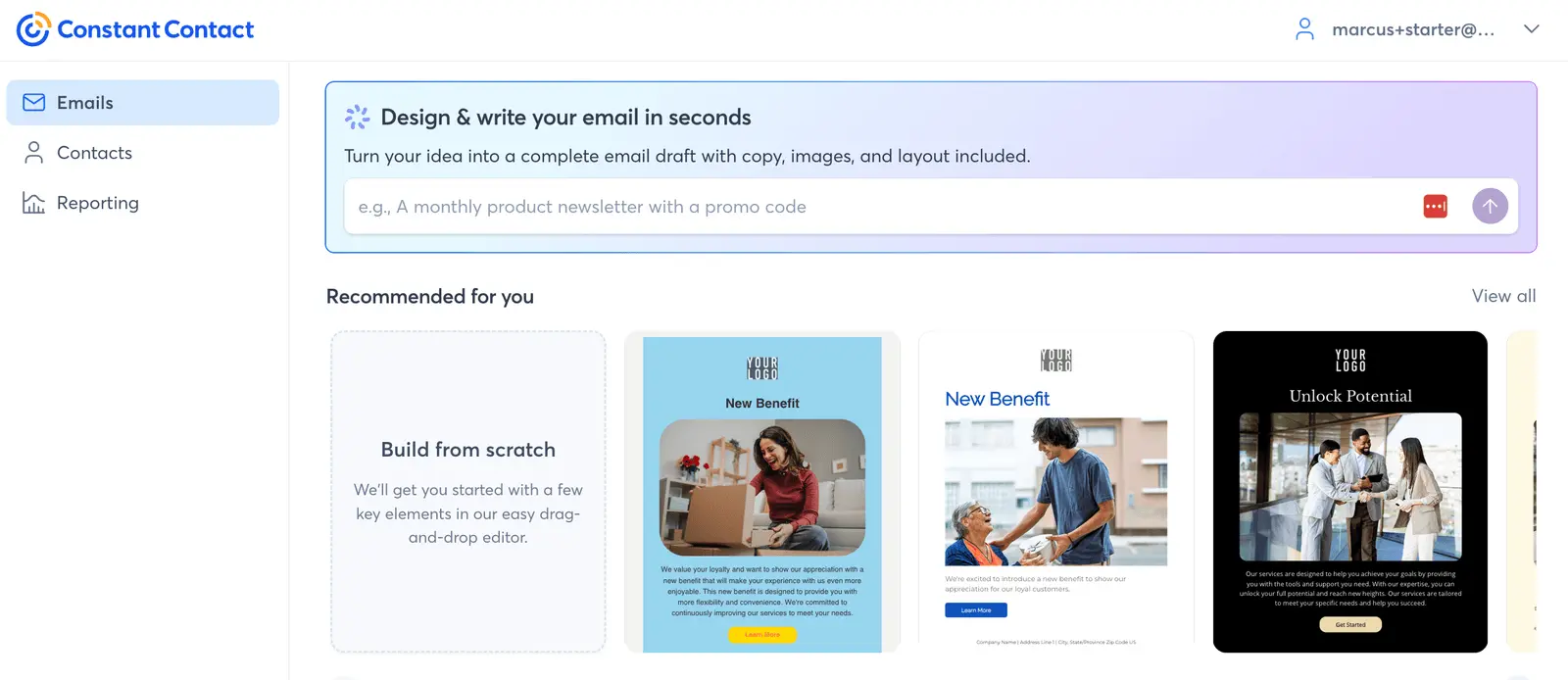
Constant Contact is the bulk email sender I’d start with if your list is growing faster than your sending volume. Its Starter Email plan costs $6/month, includes unlimited contacts and caps you at 2,500 email sends per month.
That trade makes sense for small businesses, solo entrepreneurs and seasonal projects. You can collect contacts without watching the bill climb every time the list grows, although one full-list campaign to 2,500 people uses the whole monthly allowance.
I tested Constant Contact across eight areas in August 2026, including its editor, AI, automation and deliverability. The default email scored 9/10 in Mail Tester and the editor was easy to use, but the automation builder is better suited to simple welcome sequences than behavioural campaigns.
If you send less than 2,500 emails a month, Constant Contact’s Starter Email plan is awkward to beat on price. If you blast a large list every week, the cap stops being clever and becomes the problem.
02Sender
Test Lab Partner (Paid)Sender is a member of our Test Lab Programme, which means we receive a fee to conduct hands-on testing of their platform. Learn more about our Test Lab Programme →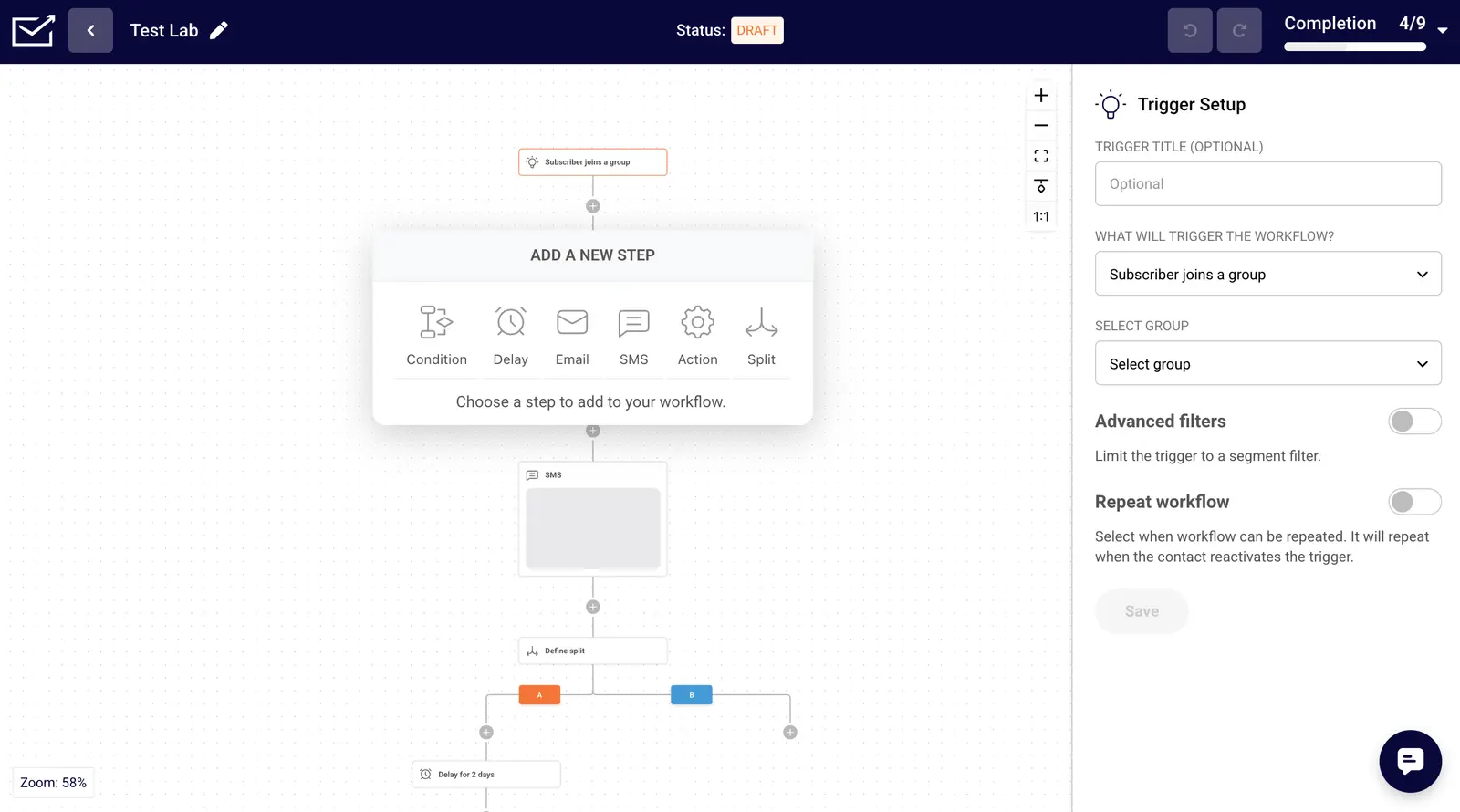
I put Sender through eight tests, including rebuilding a newsletter and creating a welcome sequence. I’d shortlist it if you need regular newsletters and automated follow-up on a small-business budget.
The free plan includes 2,500 subscribers, 15,000 emails a month and email automation. That’s six sends to your full list each month if you use the entire contact allowance. Your emails carry Sender branding.
I built a welcome sequence with two-day delays and made the third email depend on someone opening the second. Through Sender’s external MCP connection, Claude also created a three-email draft workflow directly in my account. That draft flagged an activation problem and needed checking before going live.
Sender has since released a new email builder, which I retested and scored 4/5. It fixed many of the problems I’d had with the previous version. You’ll still need a paid plan to remove Sender branding from your emails.
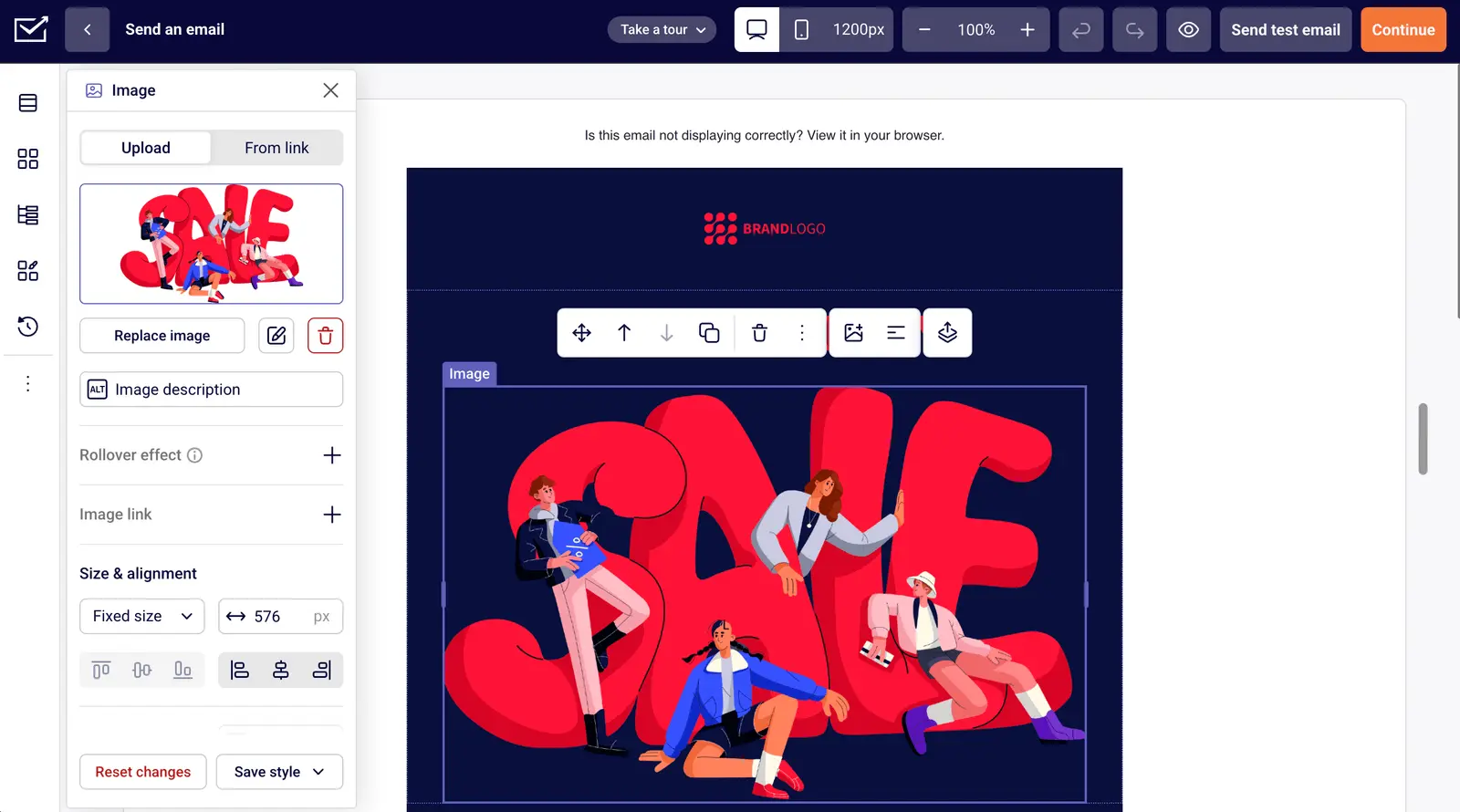
Our default-template email scored 9.5/10 in Mail Tester, which checks technical spam signals. We didn’t measure an inbox placement percentage. The contact import also needed attention: Sender accepted our 42 expected valid contacts plus one extra record.
I’d start on Free and consider Standard when branding or subscriber limits become a problem. Standard caps monthly sends at 12 times your subscriber allowance; Professional increases that to 24 times. Paid pricing depends on your list size and billing term.
For a small list needing welcome emails alongside newsletters, try Sender’s free plan with one of your own campaigns. If your automation needs to span a CRM and other applications, I’d also compare ActiveCampaign. Our Sender review has the full test results.
03EmailOctopus
Test Lab Partner (Paid)EmailOctopus is a member of our Test Lab Programme, which means we receive a fee to conduct hands-on testing of their platform. Learn more about our Test Lab Programme →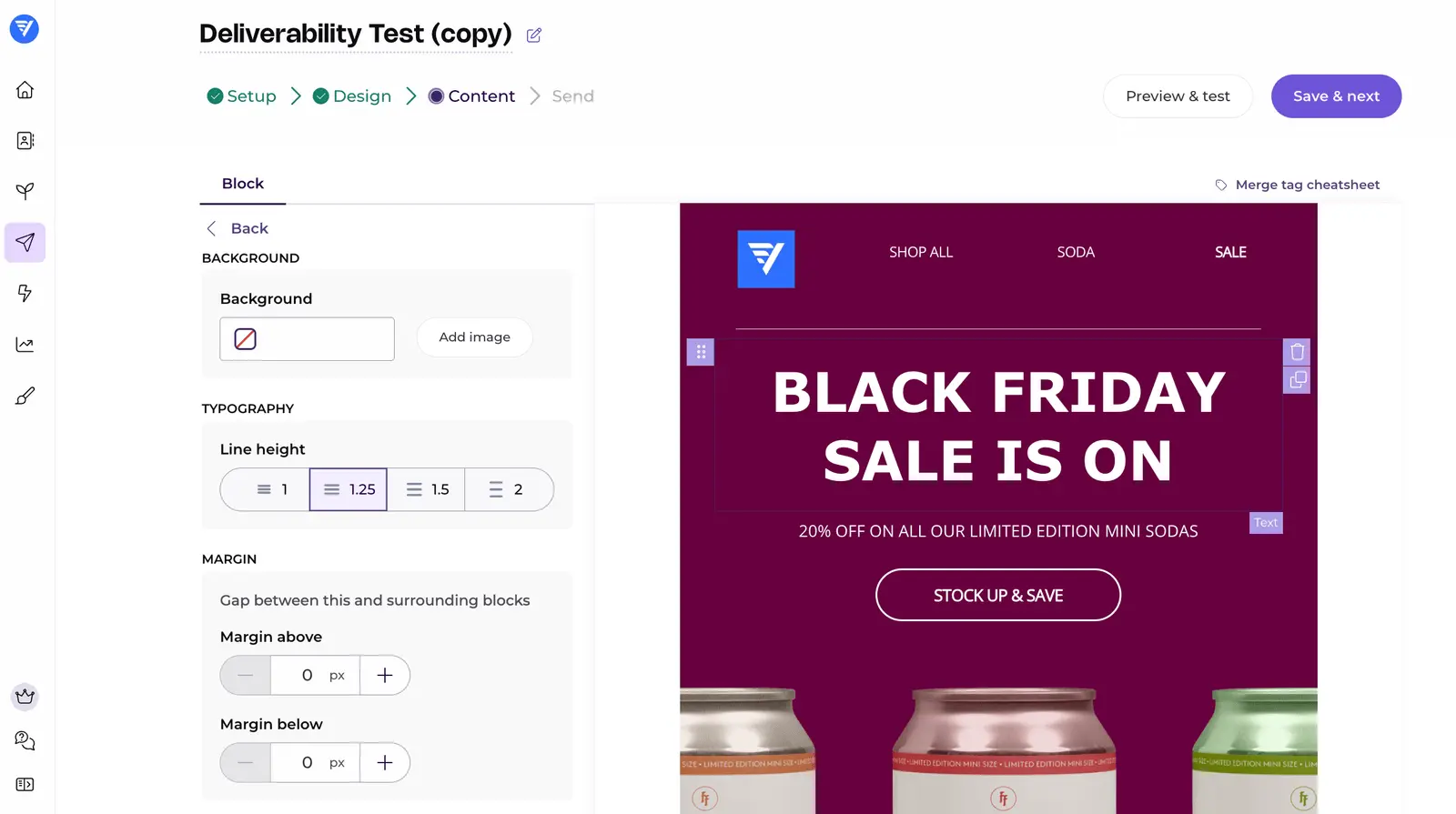
I’d use EmailOctopus for a small business newsletter with a short welcome sequence. Pro costs $20/month at 2,500 subscribers.
The free plan covers 2,500 subscribers and 10,000 emails a month, enough for four full-list sends before automated emails. Emails carry EmailOctopus branding, and reports are only available for 30 days.
The editor is easy enough to hand to a less technical teammate, and it got my reference newsletter close enough to send. Exact font sizes and column widths are fiddly: I had to use the 36px preset instead of 38px.
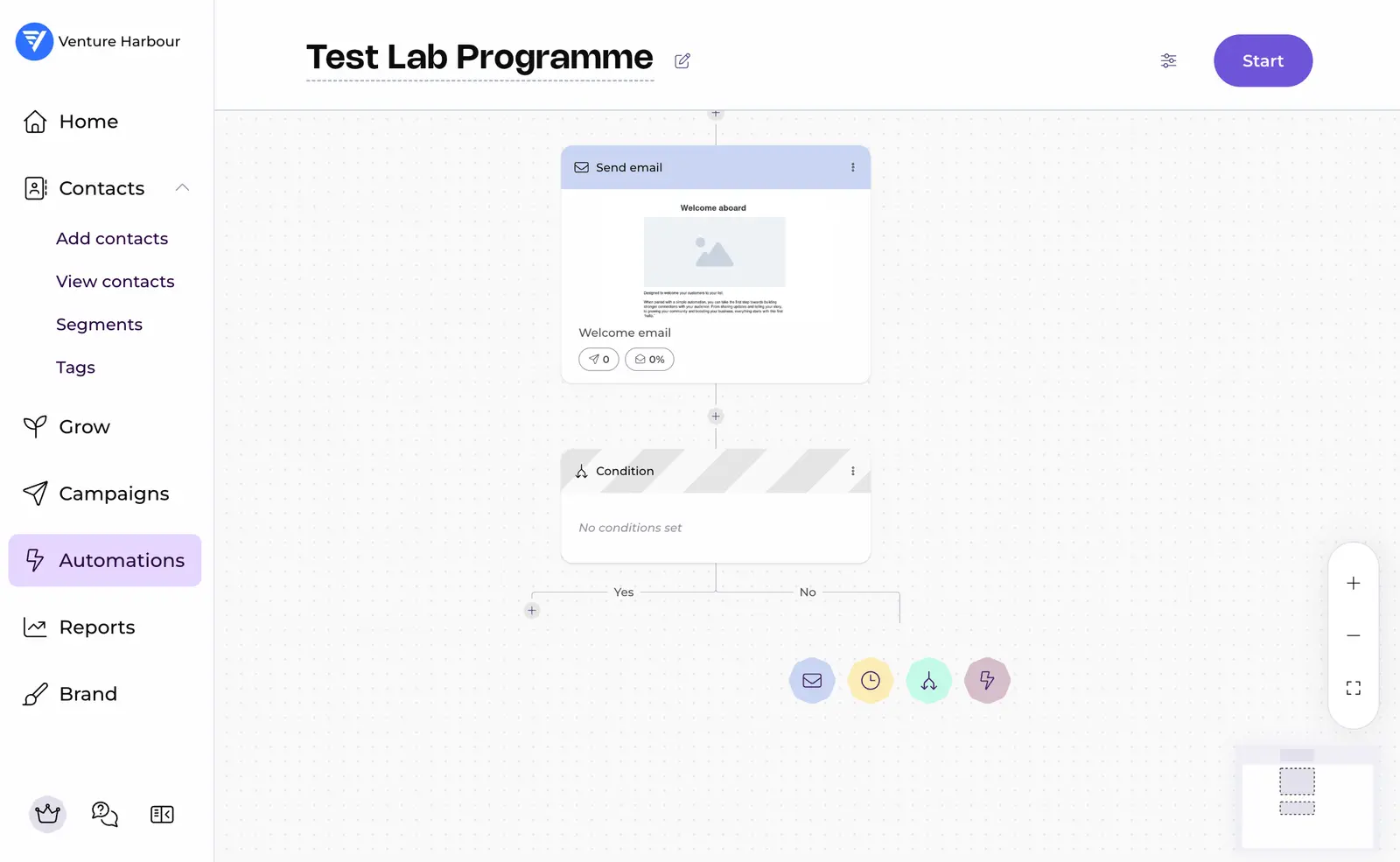
Adding emails, delays and conditions to a welcome sequence was straightforward. I could branch on opens, clicks or contact tags. The free account hit a five-step limit, and I couldn’t find webhooks or actions in third-party apps.
A human answered my live chat question in under two minutes. True plain text emails weren’t available during testing; support suggested a simple HTML template instead.
Pro starts at $10/month for 500 subscribers on monthly billing. At 2,500 subscribers it costs $20/month for 25,000 emails; at 10,000 subscribers, it’s $44.50/month for 100,000 emails. Upgrading also removes branding and keeps reports available indefinitely.
I’d try EmailOctopus’s free plan if newsletters and a short welcome sequence cover what you need. For workflows that involve other applications, I’d look at ActiveCampaign. Our EmailOctopus review has the full test results.
04ActiveCampaign
ActiveCampaign has over 150,000 small business customers and came out #1 in our annual study of 100+ email platforms.
Sending bulk emails is one of the many things you can achieve with ActiveCampaign. This platform makes more sense for businesses that need an all-in-one CRM, email marketing and automation system.
You can send unlimited emails on every plan, with pricing based on the number of contacts and user accounts you need. More expensive plans also get you access to more advanced features like A/B testing, machine-learning and dedicated support.
For 500 contacts, pricing starts as low as $9/month for up to three users, with a $49/month version also listed. At 10,000 contacts, ActiveCampaign remains competitive, with prices ranging between $111/month and $399/mo.
At $199/mo, ActiveCampaign’s Plus package covers 10,000 contacts, unlimited emails and up to 25 user accounts. It includes more marketing and automation features than most platforms in this price bracket.
Some other options in this list give you more mass email power for the money, but ActiveCampaign makes sense if you want email marketing, automation and CRM in one place.
Among the providers we’ve looked at, ActiveCampaign is strongest on automation, sales tracking, reporting and integrations. You’re paying for the fuller marketing stack.
05Brevo
Brevo lets you edit templates or create your own design with its drag-and-drop email builder.

Brevo’s pricing is based on the number of emails you send.

So you can send up to 300 emails every day for free, Brevo Lite starts at 10,000 emails per month for £16.5/monthup to 100,000 emails per month for £59.5/mo. Brevo Premium starts at 20,000 emails per month for £41.5/monthup to 1,000,000 emails per month for £424.15/mo. All plans come with unlimited contact storage
Custom pricing plans are available if you need to send higher volumes.
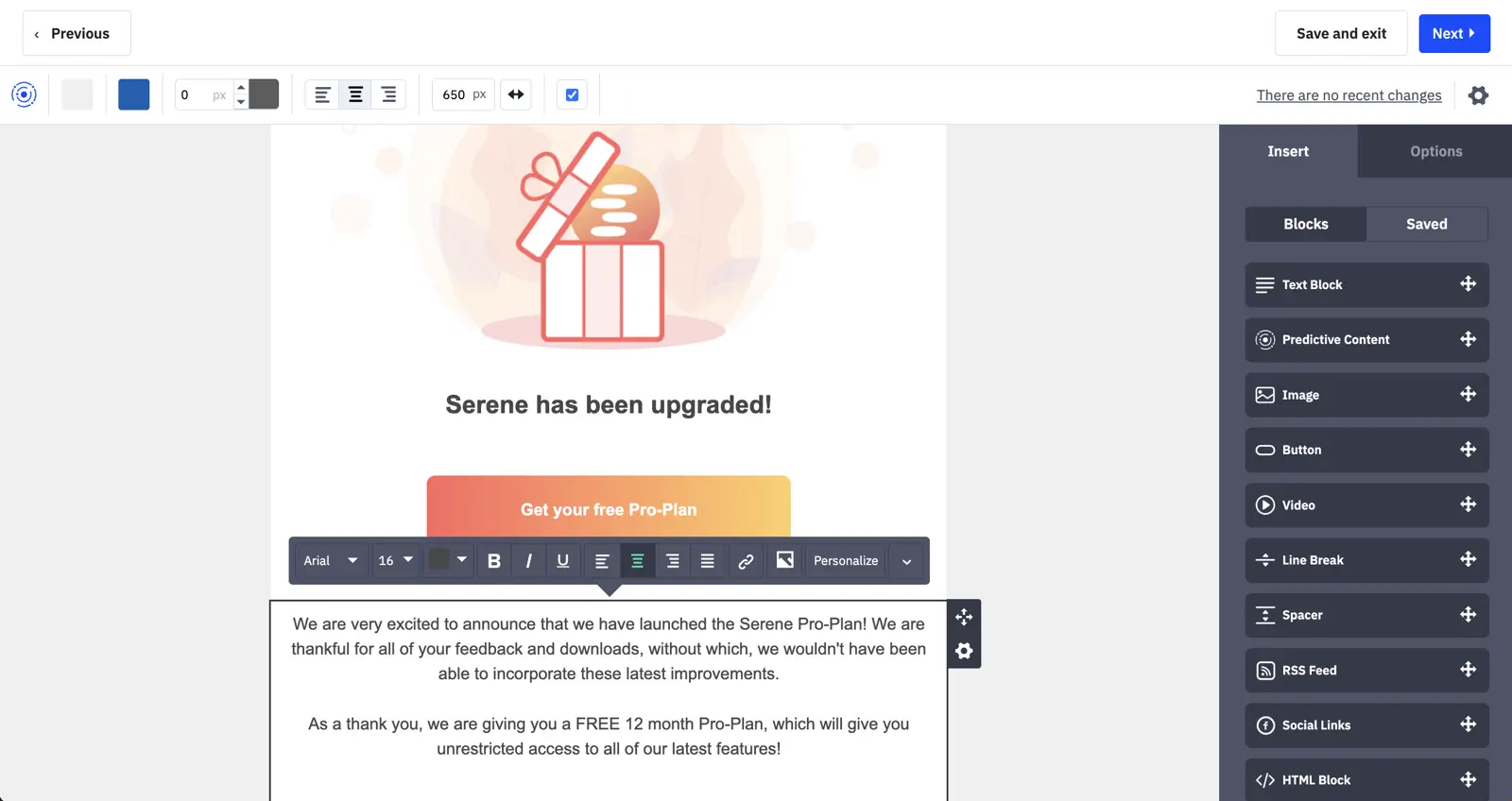
Those prices include automation, contact segmentation and reporting. Brevo also has some of the best transactional email features we’ve come across, which we’re still using today here at Venture Harbour.
Brevo’s form builder lets you collect email subscribers from your website.
Its reporting tools let you track email performance and use the results to optimise campaigns.
Brevo offers a basic CRM. For more advanced automation and sales tracking, I’d use ActiveCampaign.
06Moosend
Moosend is a beginner-friendly bulk email sender.
While not as powerful as ActiveCampaign, what I do like about Moosend is that you can access all their features from $10/month. ActiveCampaign, on the other hand, separates their more advanced features onto higher-priced plans.
Moosend also offers unlimited email sending regardless of which plan you’re on.

Their platform is easy to use, although it has a slightly dated feeling to it. Your email recipients will never see this platform, so it’s debatable how much of an issue this is.

A major benefit with Moosend (right now) is that they offer each customer agency-level support. They can help you with anything from strategy to delivery optimisation.
They’ve advised me that this may not always be the case, but for the time being it’s a major perk that other bulk email tools charge a hefty fee for.
07Kit
Kit is the bulk email sender for individuals in creative industries, such as authors, teachers, and bloggers.
With Kit, do not expect any fancy features. There is no predictive sending or A/B testing, and the reporting is bare-bones. For those who just need an easy-to-use tool to send emails to a large list, it’s a good fit.
Kit’s email editor is a simple drag-and-drop editor, with few bells and whistles. Kit encourages plain text emails and does not offer email templates.

Like both tools above, Kit allows unlimited email sends, with pricing based on the number of contacts on your list. Their pricing is reasonable, though not too dissimilar to ActiveCampaign’s, which we felt generally offers more bang for its buck.

08MailerLite
If you have less than 1,000 contacts, MailerLite is free to send up to 12,000 emails a month.
Starting at $15 for 2,500 contacts, it’s one of the most affordable email marketing tools out of over 100 email marketing tools that we analysed. Their software is also easy to use and covers the basic email marketing features.

While nowhere near as powerful as ActiveCampaign from a feature standpoint, MailerLite does have all of the basic features you’d expect of a bulk email sender - from personalisation tags to sending by time-zone, and A/B testing.
If you’re a business looking for an all-in-one email marketing solution, I would still err towards ActiveCampaign. But if it’s a personal or side project you’re looking to send bulk emails for, where affordability trumps potential for growth, I’d consider MailerLite.
Which is the best bulk email sender?
Each bulk email sender here has strengths in its own right. Constant Contact keeps a lightly used list cheap, while ActiveCampaign gives you a complete all-in-one sales and marketing platform.
Price depends less on list size than on how often you email it.
| Tool | Monthly price for 2,500 contacts | Monthly price for 10,000 contacts | Monthly price for 100,000 contacts |
|---|---|---|---|
| Constant Contact Starter Email | $6 | $6 | $6 |
| Sender Free | $0 (15,000 emails/month) | Check pricing calculator | Check pricing calculator |
| EmailOctopus | $0 (10,000 emails/month) | $44.50 (100,000 emails/month) | Check pricing |
| MailerLite | $15 | $50 | $360 |
| ActiveCampaign | $39 | $111 | $299 |
| Moosend | $20 | $125 | $585 |
| Brevo | $39 | $66 | $173 |
| Kit | $49 | $119 | $679 |
EmailOctopus’s free allowance covers four full-list sends to 2,500 subscribers each month, with branding and 30-day report availability. Pro costs $20/month at that list size and includes 25,000 sends.
Sender’s free allowance covers 2,500 subscribers and includes automation with Sender branding. For larger lists, check Sender’s pricing calculator for your subscriber count and billing term.
Constant Contact’s $6 row is Starter Email pricing, which only includes 2,500 total sends per month. If you need to email the whole list regularly, compare its Core plans instead.
Brevo stands out on price once the list gets bigger: $66 at 10,000 contacts and $173 at 100,000. It’s less compelling at 2,500 contacts, where MailerLite and Constant Contact are cheaper.
Its focus on deliverability and transactional email is the reason I’d look at it when inbox placement matters as much as price.
FAQ
What is the difference between bulk email and spam?
Bulk email is a legitimate marketing tool where you send one message to multiple recipients who have opted in. Spam is unsolicited email sent without consent. Bulk email senders like ActiveCampaign and Brevo require verified subscriber lists to stay compliant with GDPR and CAN-SPAM.
How much does bulk email software cost?
Bulk email software typically ranges from free plans for small lists to £20-100+ per month for enterprise solutions. It depends on subscriber count and features. Most platforms use a tiered pricing model based on contacts. MailerLite and Moosend offer affordable options for startups, whilst ActiveCampaign caters to larger organisations.
Can you send bulk emails for free?
Sender includes 2,500 subscribers and 15,000 emails a month on its free plan, with email automation. Emails carry Sender branding, and you’ll need a paid plan once you exceed the free allowance.
What features should a mass email sender have?
A quality mass email sender should include automation, segmentation, personalisation, analytics, and deliverability tools. Automation and segmentation matter because they let you send targeted messages at scale rather than one-size-fits-all blasts. That tends to improve engagement rates.
Is bulk email marketing legal?
Bulk email marketing is legal when you follow regulations like GDPR (UK/EU), CAN-SPAM (US), and CASL (Canada). They require explicit consent, clear unsubscribe options, and honest sender identification. Reputable bulk email platforms like Brevo and ActiveCampaign enforce these rules automatically to protect both senders and recipients.
Which bulk email sender has the best deliverability?
ActiveCampaign and Brevo consistently achieve the highest inbox placement rates due to their advanced authentication protocols and sender reputation management. Deliverability depends on your sender practices. Even the best platforms can’t guarantee inbox placement if you’re sending to inactive addresses or using poor list hygiene.
Can you personalise emails in bulk email software?
Yes, all modern bulk email senders allow dynamic personalisation using merge tags. You can insert subscriber names, purchase history, or custom fields into templates. Platforms like MailerLite and Kit make it simple to add first names or segment-specific content without manual effort.
What’s the best bulk email sender for small businesses?
Constant Contact is the best fit if you are building a list but sending fewer than 2,500 emails a month. Sender suits regular newsletters and welcome sequences for up to 2,500 subscribers, with 15,000 free monthly emails. The new email builder scored 4/5 in my retest; emails on the free plan carry Sender branding.
1 Reader Comment
Thanks for this, Aaron. Just what I needed!
Have an awesome rest of your week!